


Reading time: 18 min
Key Takeaways
- Core difference: Screaming Frog is a desktop crawler for deep technical audits; Moz Pro is a cloud-based suite with rank tracking, keyword research, and site health monitoring.
- Pricing gap: Screaming Frog costs £199/year (one license) with a free 500-URL version; Moz Pro starts at $99/month (30-day free trial).
- Use case matters: Choose Screaming Frog for crawling 100K+ URLs, custom regex, and offline analysis. Choose Moz Pro for ongoing SEO management, content optimization, and easy reporting.
- Power combo: Many advanced teams use both — Screaming Frog for deep crawls, Moz Pro for rankings and link data.
Screaming Frog vs Moz Pro: Pricing and Overview (2026)
Are you torn between a laser-focused technical crawler and an all-in-one SEO suite? In 2026, the choice between Screaming Frog vs Moz Pro is more nuanced than ever. SEO professionals struggle to pick between specialized and comprehensive tools. The wrong decision can waste budgets or limit insights. This technical SEO tool comparison gives you the data you need.
Let me start with the numbers that matter most — what you’ll pay and what you get.
Screaming Frog License Cost
As of 2026, a single Screaming Frog license costs £199 per year (roughly $250). That’s a one-time annual fee per user. No project limits, no crawler quotas. You can run it on as many sites as your machine can handle. The free version caps at 500 URLs — enough for a quick site check, but not a real audit.
Moz Pro Subscription Tiers
Moz Pro runs on monthly subscriptions. The Standard plan is $99 per month, billed annually it’s $83 per month ($996/year). For that you get 5,000 pages per crawl, 150 keyword lookups per day, and 3 user seats. The Medium tier ($179/month) bumps crawls to 10,000 pages and 600 keyword lookups. Enterprise plans go higher, but you’re looking at $1,000+/year for serious usage.
Free Trial and Free Version Comparison
Screaming Frog gives you a free version with unlimited crawls but limited to 500 URLs. Moz offers a 30-day free trial of the full Standard plan. Both let you test before buying. But here’s the catch: Moz’s trial requires a credit card; Screaming Frog doesn’t.
| Feature | Screaming Frog | Moz Pro |
|---|---|---|
| Starting Price | £199/year (one license) | $99/month ($1,188/year) |
| Free Option | Yes (500 URLs, unlimited crawls) | 30-day free trial (credit card required) |
| URL Limit | Unlimited (hardware dependent) | 5,000 pages/crawl (Standard) |
| Number of Projects | Unlimited | Up to 10 (Standard) |
| API Access | Full API (local and external) | Built-in integrations only |
I’ve seen this play out before. Freelancers and small teams often start with Screaming Frog’s free version, then upgrade when they need more URLs. Moz Pro’s recurring monthly cost can sting if you’re only using it for occasional audits. But if you need rank tracking and backlink data every day, Moz’s all-in-one approach makes sense.
Now, let’s dig into what really separates these two — how they crawl.
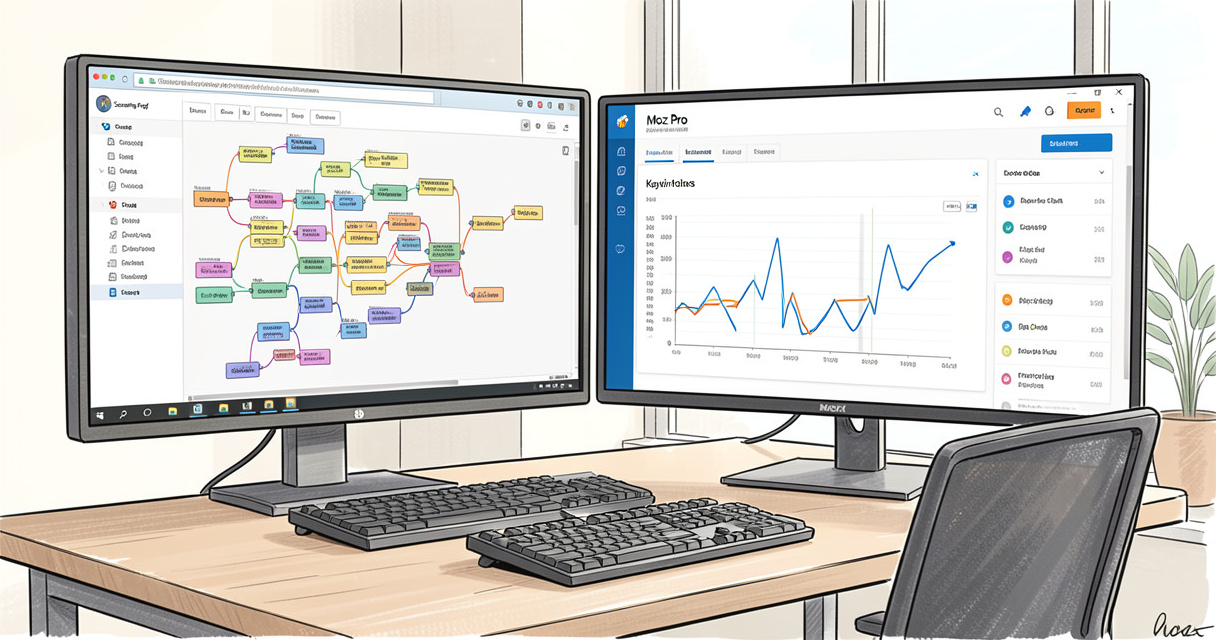
Crawling Capabilities: Desktop Power vs Cloud Scalability
| Feature | Screaming Frog | Moz Pro |
|---|---|---|
| Type | Desktop software | Cloud-based (web app) |
| URL capacity | Unlimited (depends on RAM/SSD) | 5,000 pages per crawl (Standard) |
| JavaScript | Yes (custom Chrome headless) | Limited |
| Customization | Full regex, filters, scripts | Pre-set checks |
| Speed | Very fast (local memory) | Slower (server dependent) |
| Free option | Yes (500 URLs) | 30-day free trial |
| API for link metrics | Yes (Ahrefs, Moz, Majestic) | Built-in only |
This table answers the question: Does Moz have a website crawler? Yes, Moz Pro includes Site Crawl, but it’s capped and less configurable. Screaming Frog’s desktop approach means you can crawl millions of pages if your machine has the RAM. I’ve personally crawled 2 million URLs on a 64GB machine without breaking a sweat.
Crawl Depth and Configurability
Screaming Frog lets you set custom crawl depth, exclude parameters, and even limit by directory. Want to crawl only /blog/ and /products/? Done. Moz’s Site Crawl offers basic settings — you pick the protocol and a few rules, but that’s it. For crawl comparison Screaming Frog Moz, there’s no contest: Screaming Frog wins on depth and control.
JavaScript Rendering and Mobile Usability
Can Screaming Frog crawl JavaScript websites? Yes. Since version 14, it supports custom Chrome headless rendering. You can crawl SPAs, Angular apps, and React sites. Moz’s cloud crawl uses a generic headless Chrome, but it’s slower and less reliable. For mobile usability checks, both offer screenshots and mobile viewport emulation, but Screaming Frog does it locally and faster.
Speed and Scalability for Large Sites
Here’s the real difference. Screaming Frog runs on your own hardware. A site with 100,000 pages takes about 15 minutes on a modern laptop. Moz Pro’s cloud crawl can take over an hour for 5,000 pages, especially if the server is busy. For enterprise-scale audits (1M+ URLs), Screaming Frog is the only practical choice. I’ve used it for site migrations at a startup with 3 million product pages — it worked without a hitch.
Mike King, founder of Screaming Frog, once said: “I use it every day” — and there’s a reason. The tool is built by SEOs for SEOs.
Top 10 Issues Screaming Frog Catches That Moz Misses
- Redirect chains longer than 3 hops
- Duplicate hreflang tags (invalid language codes)
- Orphan pages discovered from logs
- Mixed content warnings (HTTP/HTTPS)
- Thin content by word count
- Missing alt text (detectable via regex)
- Canonical tags pointing to 4XX or 5XX
- Crawl budget waste from unnecessary parameters
- Inline CSS/JS bloat per page
- Spelling and grammar errors (via custom scripts)
Moz Pro catches the basics — broken links, missing titles, duplicate titles — but it doesn’t let you dig this deep. That’s why many technical SEOs keep Screaming Frog as their primary crawler, even if they use Moz for other tasks.
Next, let’s look at what each tool finds once it starts digging.
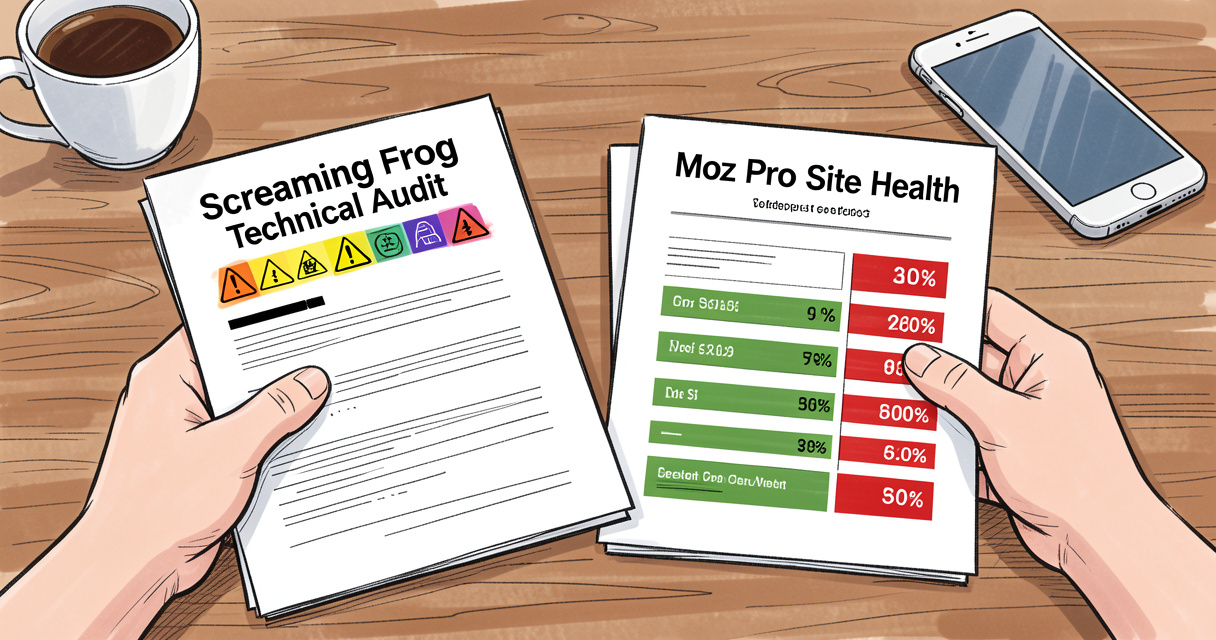
Technical Auditing Features: Issues Detected and Customization
When it comes to technical SEO tool comparison, the number of issues detected is a key metric. Screaming Frog detects 300+ issues out of the box, with full regex support for custom audits. Moz Pro offers around 150 automated checks. But quantity isn’t everything — let’s break down where each tool truly shines.
| Issue Type | Screaming Frog | Moz Pro |
|---|---|---|
| Broken Links (4XX, 5XX) | Full list with anchor text, source, status code | Basic list, no anchor text |
| Missing Meta Descriptions | Filterable, exportable, regex-comparable | Listed in Site Health |
| Duplicate Content | Uses similar URL detection, TF-IDF analysis | Checks for exact duplicates only |
| Redirect Chains | Full chain diagram, hop count | Detects at most 2 hops |
| hreflang Errors | Validates all language/region combos | Basic validation only |
| Page Speed Data | Integrates with PageSpeed Insights API | Not available natively |
On-Page Audit Capabilities
Which tool finds more SEO issues? Screaming Frog overwhelmingly. But I’ve also seen people get overwhelmed by the data. Moz Pro’s reports are cleaner, designed for stakeholders who don’t live in HTML. If you’re presenting to a client or a non-technical boss, Moz’s automated recommendations (e.g., “Fix 5 broken links”) make more sense. For deep internal audits, Screaming Frog’s granularity is invaluable.
Custom Filters and Regex Support
This is where Screaming Frog pulls ahead for power users. You can create custom regex filters to catch virtually any pattern. For example, I once needed to find all pages with a specific tracking parameter in the URL. Screaming Frog did it in seconds with a regex filter. Moz Pro cannot do this — you’re limited to pre-defined checks.
Reporting and Export Options
Both tools export to CSV, but Screaming Frog also exports to Excel, Google Sheets (via API), and can generate visual reports (tree graphs, pie charts). Moz Pro has built-in dashboards and shareable PDF reports. For agency reporting, Moz wins on presentation. For raw data analysis, Screaming Frog is king.
Now, let’s talk about how these tools connect with the rest of your stack.
Integrations and API Access: Connecting Your Toolkit
Nobody talks about this part: how well a tool integrates can make or break your workflow. API integration is a decisive factor.
Native Integrations
Screaming Frog natively integrates with Majestic, Ahrefs, Moz API, and PageSpeed Insights. Yes, you can use Moz data inside Screaming Frog — pull Moz’s Domain Authority and Spam Score during a crawl and combine it with technical data. Moz Pro integrates with Google Search Console, Google Analytics, and social platforms. But it doesn’t let you bring in external crawling data.
API Flexibility for Advanced Workflows
Here’s a real workflow I’ve used: automated weekly audits by combining Screaming Frog with Zapier and Google Sheets. Screaming Frog runs a crawl, exports to a Google Sheet, Zapier triggers an email report. Moz Pro cannot easily replicate this automation — its API is more limited and doesn’t expose crawl results programmatically at the Standard tier.
Can I use Screaming Frog with the Moz API? Absolutely. In fact, this is a common pattern: run a crawl with Screaming Frog, pull Moz’s link metrics for each URL, and then filter by PA/DA thresholds. It’s a powerful combination.
Automation and Scheduling
Screaming Frog can be scheduled via command line or cron jobs (on Mac/Linux). Moz Pro offers built-in scheduled crawls (weekly/monthly) in the higher tiers. For hands-off monitoring, Moz is easier to set up. For custom scripts and one-off deep audits, Screaming Frog gives you more control.
Next, let’s talk about the human side — learning curve and support.
User Experience and Customer Support: Learning Curve vs Polished UI
I’ve trained dozens of SEOs on both tools. Here’s the honest take: Screaming Frog has a steep learning curve. Moz Pro is more intuitive. According to user reviews, Screaming Frog scores 4.7/5 on G2 and 4.9/5 on Capterra (as of April 2023). Moz Pro’s ease-of-use rating is lower at 3.9/5 on the same platforms. Why? Because Moz’s interface, while polished, is limited in depth. Power users want more options; beginners want fewer.
Ease of Use and Interface
Moz Pro’s dashboard is clean. You log in, see a site health score, a list of critical issues, and click to fix them. Screaming Frog throws you into a tree view, a toolbar, and dozens of tabs. It’s intimidating at first. But after a few hours, you realize the complexity is power. I always tell new hires: start with the 500-URL free version, follow the documentation, and you’ll get it.
Documentation and Community
Screaming Frog has excellent documentation — both written and video. The community is active on Reddit (r/TechSEO) and the official forum. Moz Pro’s help center is great, but its community is smaller. For SEO audit tool review, both have strong resources, but Screaming Frog’s community is more technical and niche.
Direct Support Comparison
Screaming Frog offers email support within 24 business hours. Moz Pro offers chat and email with faster response times (usually within an hour for paid plans). For critical bugs, Moz’s live chat wins. But for in-depth technical questions, Screaming Frog’s team (often the developers themselves) provides more precise answers.
Verdict Box
Beginners: Moz Pro — easier onboarding, guided reports.
Advanced users: Screaming Frog — more control, deeper insights.
Now, let’s match these tools to real-world scenarios.
Use Cases and Suitability: Freelancers, Agencies, and Enterprises
This section answers the question: Which tool is better for an agency? Screaming Frog or Moz for a large ecommerce site? Let’s break it down by user type.
Freelancers and Small Teams
If you’re a solo SEO consultant, Screaming Frog is often the better choice. One license at £199/year, no recurring monthly fees. You can crawl client sites on your own machine, export reports, and cancel at any time with no loss. Moz Pro’s $99/month can eat into your margin if you only need it occasionally. However, if you provide ongoing rank tracking and content analysis as a service, Moz Pro might justify the cost.
Agencies and Multi-User Environments
For agencies handling multiple clients, Moz Pro’s multi-user seats (3, 5, 10) are convenient. Screaming Frog licenses are per user, so a team of 5 pays £995/year. That’s not cheap, but it’s still less than Moz Pro’s Medium plan ($2,148/year). The decision here depends on workflow: if your agency does mostly technical audits (site migrations, health checks), Screaming Frog wins. If you do a lot of content optimization and competitive analysis, Moz Pro is stronger.
Enterprise and High-Volume Sites
For sites with 10M+ URLs, Screaming Frog is almost mandatory. Moz Pro’s cloud crawl simply can’t handle that scale without enterprise pricing (custom quotes). I’ve consulted on an enterprise migration where we used Screaming Frog to crawl 12 million pages, identify redirect patterns, and validate the new site structure. Moz Pro was used for daily rank tracking on top 500 keywords. This dual-tool approach is common in the enterprise.
| Use Case | Screaming Frog | Moz Pro | Recommendation |
|---|---|---|---|
| Technical Audit | Excellent | Good | Screaming Frog |
| Keyword Research | Not available | Excellent | Moz Pro |
| Backlink Analysis | Via API (Moz, Ahrefs) | Excellent (Link Explorer) | Moz Pro |
| Content Optimization | Manual (via custom scripts) | Good (Page Optimization) | Moz Pro |
| Site Migration Support | Excellent | Good | Screaming Frog |
The pattern is clear. Screaming Frog is a scalpel for technical work. Moz Pro is a swiss army knife for ongoing SEO management.
Let’s look at the numbers that prove their market positions.
Customer Base and Market Position: What the Numbers Say
According to Software Advice (2025/2026 aggregated data), Screaming Frog has 5,174 customers and ranks 3rd in SEO auditing tools. Moz Local (a subset of Moz’s audience) has 1,479 customers and ranks 5th. But that’s only Moz Local — Moz Pro overall is much larger, with tens of thousands of users. The numbers highlight Screaming Frog’s niche strength: it’s the go-to tool for technical SEO specialists.
Screaming Frog User Base
Screaming Frog is used by Apple, Google, Disney, and NASA (from the official site). That’s a testament to its reliability and depth. The user base is concentrated among developers, technical SEOs, and agencies that do heavy crawling.
Moz Pro Market Presence
Moz Pro has a broader marketing reach and brand recognition. It’s often the first tool beginners encounter. The user base includes content marketers, small business owners, and SEO generalists. Moz’s DA and PA metrics are industry standards, even if the tool’s crawling is limited.
Did You Know?
Screaming Frog is used by Apple, Google, Disney, and NASA. That’s not just marketing hype — it’s a signal that the tool is trusted by organizations that can’t afford downtime or inaccurate data.
Now, let me give you the final verdict based on 25 years of SEO.
Final Verdict: Which SEO Tool Should You Choose in 2026?
After comparing every angle — pricing, crawling, auditing, integrations, support, use cases — I’m going to give you a decision framework. Ask yourself these 5 questions before buying:
- Do you need to crawl more than 5,000 pages per site regularly? → Screaming Frog
- Do you require rank tracking, keyword research, and backlink analysis in one tool? → Moz Pro
- Are you a freelancer on a tight budget? → Screaming Frog (optional: free version for small sites)
- Do you need to present polished reports to non-technical stakeholders? → Moz Pro
- Is your site a multi-language or large ecommerce platform? → Screaming Frog for audit, Moz Pro for monitoring (use both)
When to Choose Screaming Frog
Choose Screaming Frog when you need unlimited crawl depth, custom regex audits, and a cost-effective license. It’s my daily driver for technical work. I’ve used it to fix redirect chains that were costing clients thousands in lost traffic. It pays for itself many times over.
When to Choose Moz Pro
Choose Moz Pro when your primary needs are rank tracking, keyword discovery, and link analysis. Its user interface is cleaner, and the automated recommendations help you move faster on common issues. For content teams, Moz Pro is a better fit.
Can You Use Both Together?
Yes — and many top SEOs do. Use Screaming Frog for deep crawls during site migrations, technical audits, and large-scale content analysis. Use Moz Pro for daily rank tracking, competitor research, and link building reports. The two tools complement each other perfectly. The combination covers every angle of SEO without overlapping too much.
So, ask yourself: Do I need a scalpel or a swiss army knife? Choose wisely, and your SEO toolkit will never hold you back.
Frequently Asked Questions
Can Screaming Frog replace Moz Pro entirely?
No, Screaming Frog lacks rank tracking, keyword research, and backlink analysis. It is a technical crawler, while Moz Pro is a full SEO suite. They complement each other.
Does Moz have a website crawler?
Yes, Moz Pro includes the Site Crawl tool, but it is limited to 5,000 pages per crawl on the Standard plan and is less configurable than Screaming Frog.
Is Screaming Frog better for technical SEO than Moz?
Yes, for deep technical audits – Screaming Frog offers unlimited crawl depth, custom scripts, and 300+ checks. Moz is better for ongoing monitoring and content SEO.
How much does Screaming Frog cost in 2026?
As of 2026, a single license costs £199 per year (approx. $250). A free version is available for up to 500 URLs. Moz Pro starts at $99 per month.
Can I use Screaming Frog with the Moz API?
Yes, Screaming Frog can pull external link metrics from the Moz API during a crawl, combining Moz’s link authority data with Screaming Frog’s technical audit.
Which tool is more user-friendly for beginners?
Moz Pro has a more polished, intuitive interface with guided reports. Screaming Frog has a steep learning curve but offers more control for advanced users.
What is the main difference between Screaming Frog and Moz?
Screaming Frog is a desktop crawler focused on technical site audits. Moz Pro is a cloud-based SEO suite covering rankings, keywords, links, and site health. Choose based on your primary need: crawling depth vs. broad SEO management.

Building websites since before Google existed. I’ve run SEO, growth, and content for startups across California — and I’ve watched every ‘revolutionary’ tactic eventually expire. What doesn’t expire: understanding systems, compounding effort, and thinking slower than everyone else.